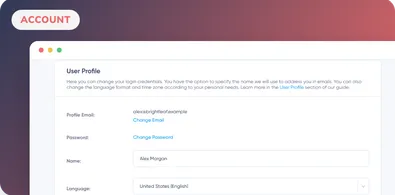
Managing Your User Profile
Learn how to update your Maildroppa profile email, reset your password, change your name, choose the app language and set your timezone.
Complete Maildroppa tasks with current prerequisites, interface steps, result checks, and troubleshooting. Search by feature or browse the guides.
Stop juggling bloated tools or overpriced plans. Maildroppa offers personal support, privacy-conscious controls, and powerful email marketing - starting free forever.
No credit card required. No time limit.
Learn how to update your Maildroppa profile email, reset your password, change your name, choose the app language and set your timezone.
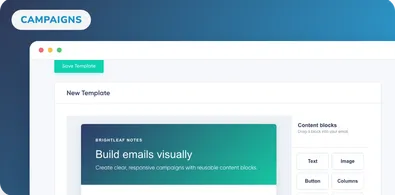
Learn the Stripo drag-and-drop editor step by step: structures, containers, and content blocks for building responsive emails in Maildroppa.
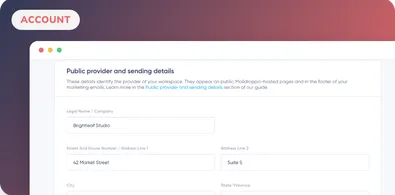
When sending newsletter campaigns through Maildroppa, it is necessary to provide a valid postal address.
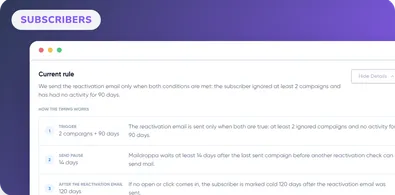
Learn how Maildroppa identifies inactive subscribers, sends re-engagement emails, marks cold contacts, cleans hygiene data, and protects deliverability.
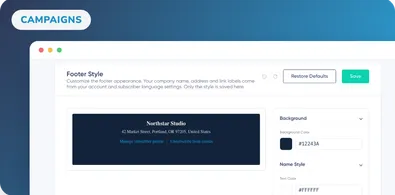
Learn how to customize Maildroppa's global email footer, adjust colors, fonts and sizes, fix contrast warnings, preview changes, and restore defaults.
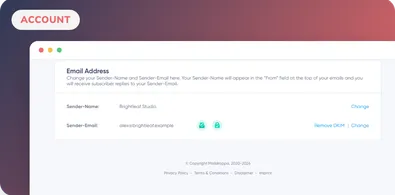
You are required to include your sender information inside every email you send in order to comply with the U.S. CAN-SPAM Act, CASL, and other anti-spam laws
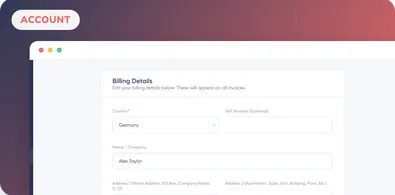
We need your billing details when you sign up for a paid Maildroppa plan, or an affiliate partnership with us.
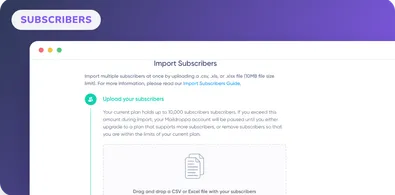
Learn how to quickly and easily import your subscriber list in .csv format to Maildroppa, map .csv columns to custom subscriber fields.
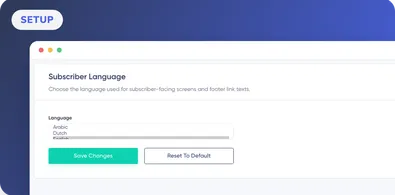
Learn how to choose the language for Maildroppa's subscriber-facing footer links, use the English default, and understand what is not translated.
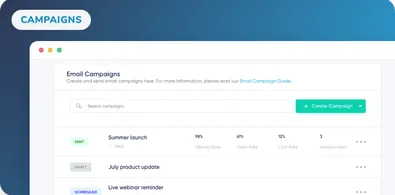
On the Maildroppa email campaign overview page you can create, setup and view all your email campaigns.
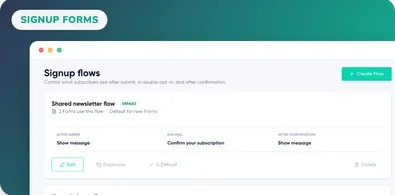
Learn how to manage Maildroppa Signup Flows with submit messages, Double Opt-in emails, redirects, confirmation pages, form assignments, and defaults.
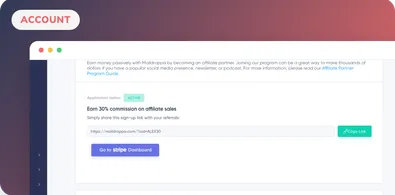
The Maildroppa Affiliate Program lets you earn a commission of 30% for 24 months for every person who signs up with Maildroppa through your affiliate link.
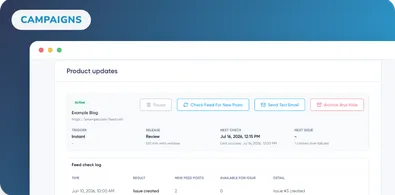
Learn how to turn an RSS or Atom feed into Maildroppa campaigns, choose triggers and audiences, review issues, monitor feed checks, and handle errors.
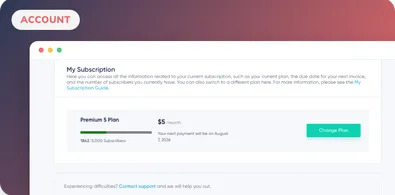
On the My Subscription page you can see which plan you are currently subscribed to, how many subscribers you currently have.
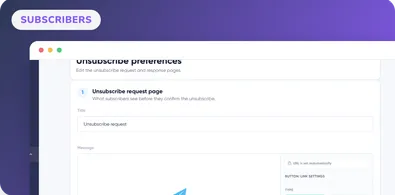
Learn how to customize Maildroppa's unsubscribe request and response pages, style the confirmation action, show a final message, or add an HTTPS redirect.
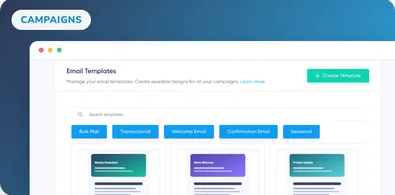
Learn how to design and manage custom email templates in Maildroppa for bulk mail, transactional messages, and subscriber lifecycle emails.
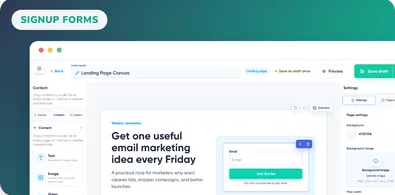
Learn how to use Maildroppa's visual Signup Form Builder to choose templates, arrange content, style fields, assign tags, connect flows, preview, and save.
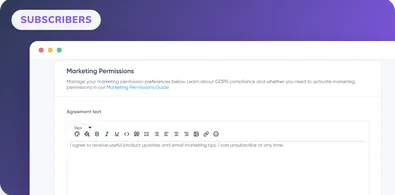
The Marketing Permissions page helps you manage the data processing agreement for your registration forms.